
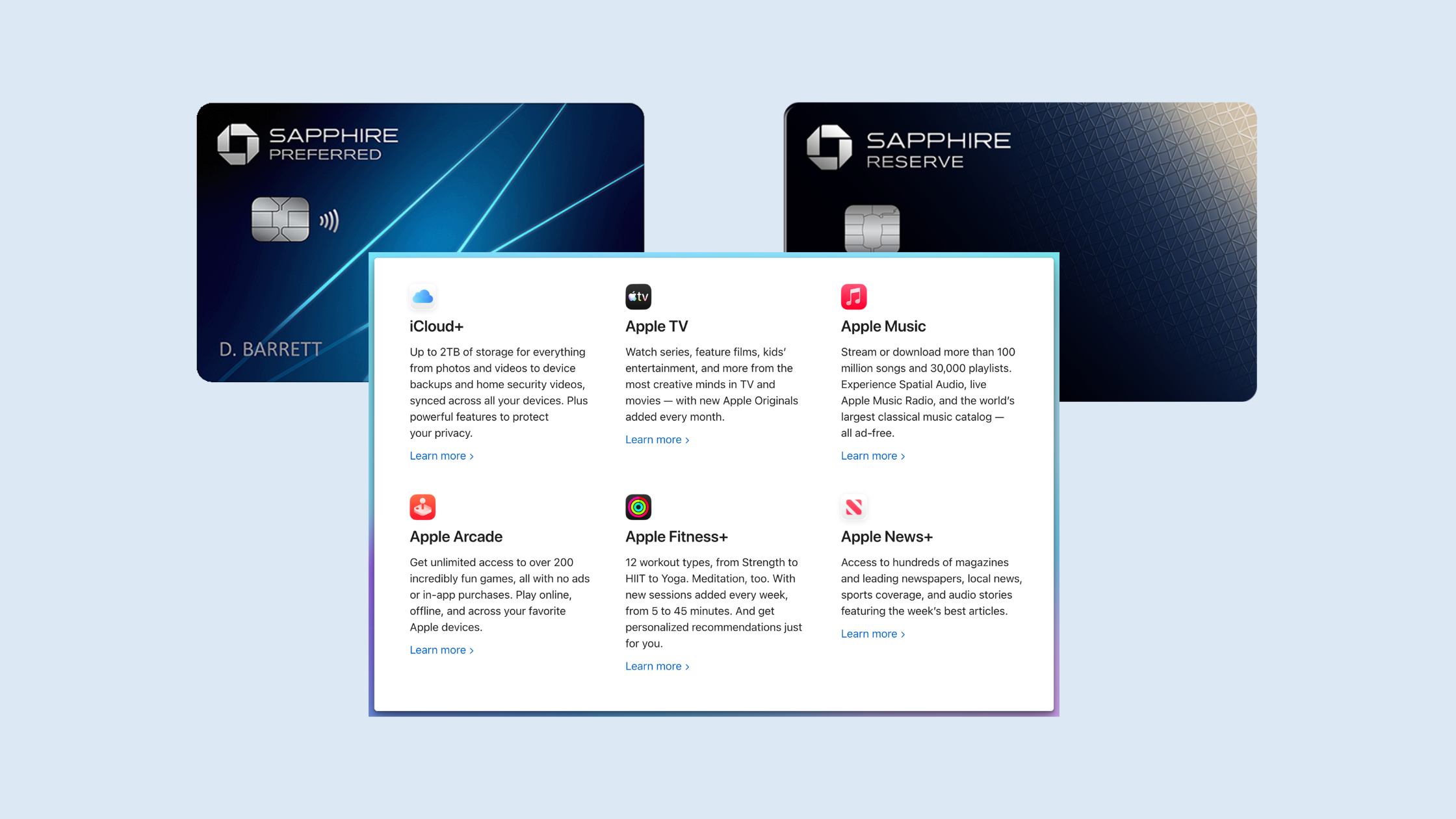
If you carry a Chase Sapphire card and pay for Apple One, you’ve probably spent the last several months watching the card’s Apple benefit sit there uselessly. The complimentary Apple TV and Apple Music subscriptions only worked as standalone services — and if you were on the Apple One bundle, activating them just created a duplicate-subscription mess with no actual savings.
Chase fixed that this week. The Apple credit now applies directly to an Apple One subscription, and the change quietly rolled out across both the Sapphire Reserve and the newly refreshed Sapphire Preferred. Here’s what changed, what it’s actually worth, and the exact steps to claim it — including the part the rollout is currently fumbling.
What actually changed
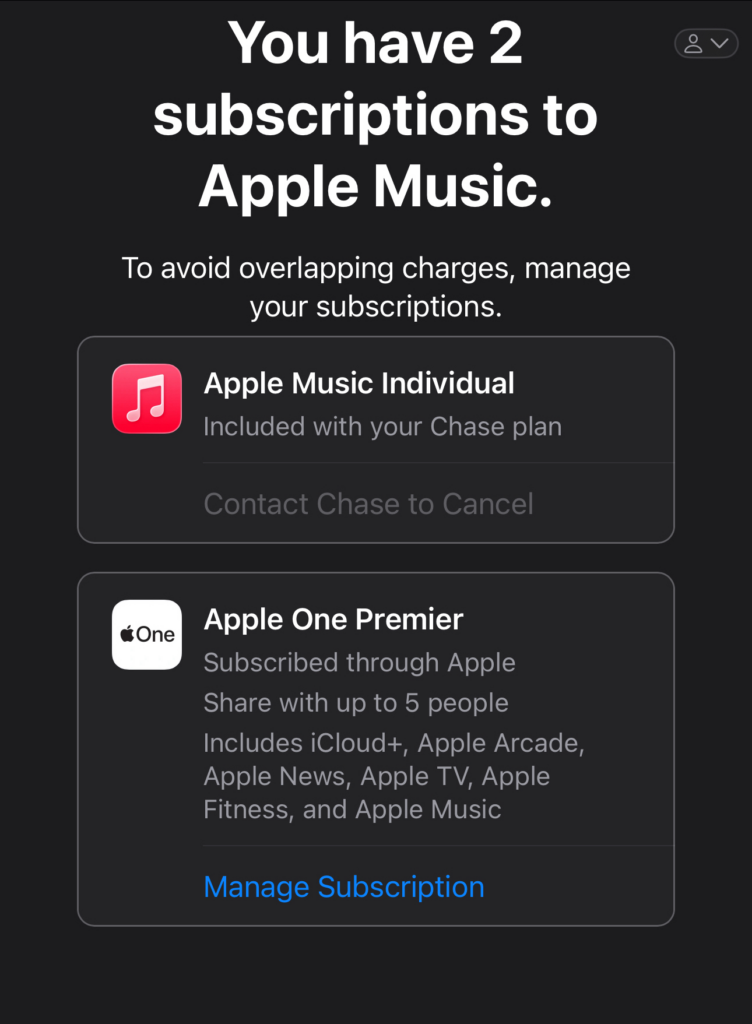
Until this week, the Sapphire Apple benefit was an either/or proposition. You activated complimentary Apple TV and/or Apple Music through Chase, and you got those individual services free — but only as individual services. Apple One subscribers were locked out, because Apple won’t run a free standalone subscription and a paid bundle for the same service cleanly. You’d activate it and end up with overlapping subscriptions instead of a discount.
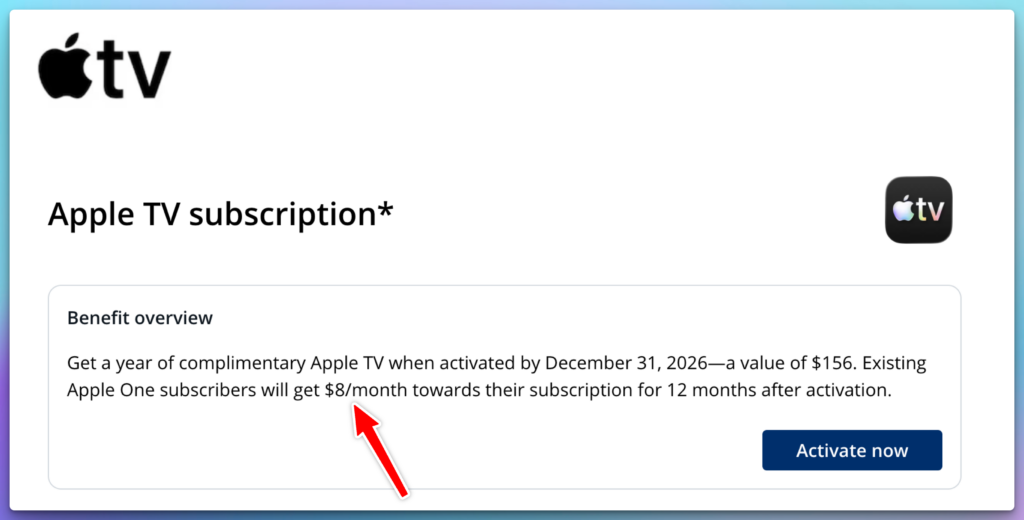
The update: each activated Apple service now applies as an $8/month credit against your Apple One bill instead of forcing a standalone subscription. Because the credits are per-service, they stack on the cards that carry both.
What you get, by card
Chase Sapphire Reserve ($795 annual fee) — carries both the Apple TV and Apple Music benefits. Activate both and you get $8 + $8 = $16/month off Apple One (about $192/year). The complimentary-subscription version of this benefit runs through June 22, 2027.
Chase Sapphire Preferred ($95 annual fee) — the refreshed Preferred just added a complimentary year of Apple TV (activate by December 31, 2026). It carries Apple TV only, so Apple One subscribers get $8/month (about $96/year).
if you don’t have either of these cards and already pay for these subscriptions then that’s a nice benefit to help offset the annual fee.
A point worth being honest about, because it trips people up: that Preferred Apple TV perk is marketed against Apple TV’s ~$156/year standalone price, but if you’re an Apple One subscriber, you’re getting the $8/month discount — roughly $96/year, not $156. Same benefit, different math depending on how you consume it. Don’t let anyone sell you the bigger number if you’re on the bundle.
For reference, here’s where the $16 (Reserve) and $8(preferred) lands across the Apple One tiers:
| Apple One tier | Standard | With Reserve (−$16) | With Preferred (−$8) |
|---|---|---|---|
| Individual | $19.95 | $3.95 | $11.95 |
| Family | $25.95 | $9.95 | $17.95 |
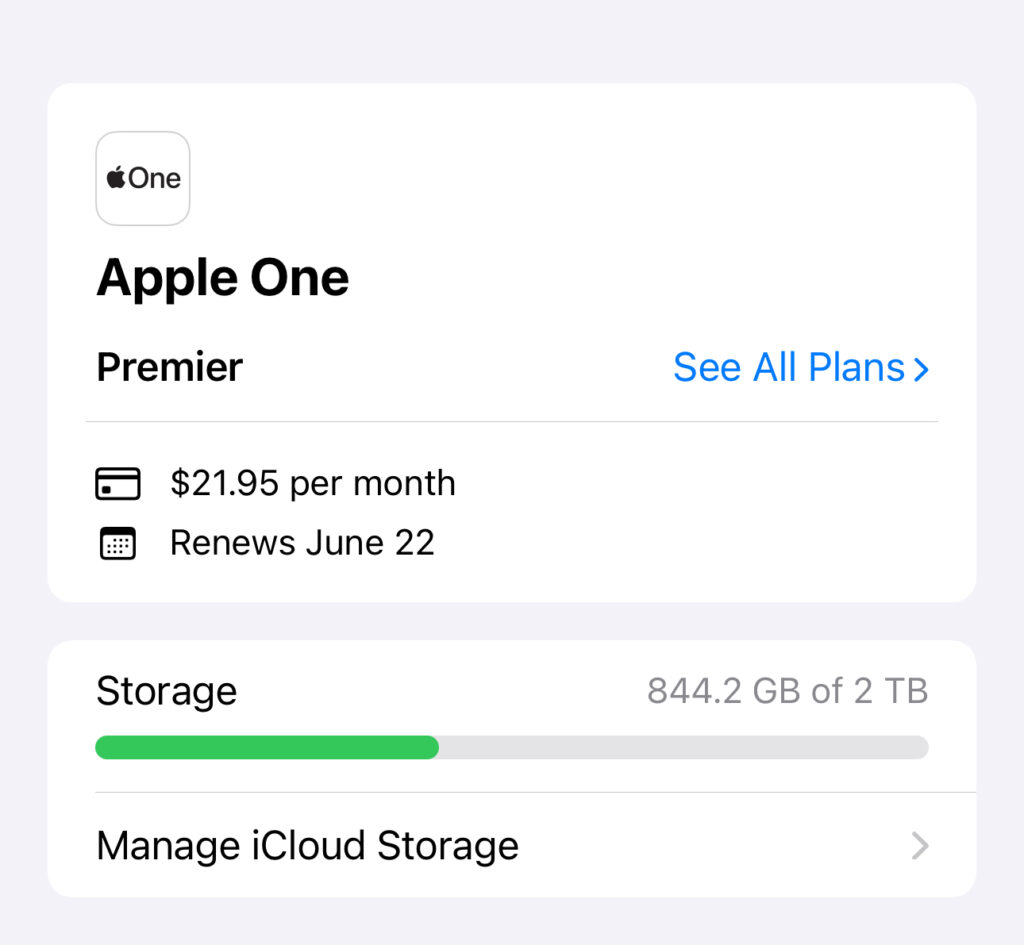
| Premier | $37.95 | $21.95 | $29.95 |
All prices per month. Net cost after the monthly Apple One credit.
How to claim it
If you don’t have Apple One yet
- Open the Chase app, go to Benefits & Travel, and activate the Apple TV benefit (and Apple Music too, if you’re on the Reserve). You’ll link your Apple Account during activation.
- Subscribe to Apple One through Apple using the same Apple Account you linked to Chase.
- The discount applies to your Apple One billing — $8 per activated service.
If you already have Apple One
This is where the rollout gets messy, so read carefully:
- Activate the Apple TV (and Apple Music) benefit in the Chase app, linking the same Apple Account your Apple One is billed under.
- Per Chase’s terms, the $8 discount applies automatically starting on your next billing cycle — you don’t strictly need to do anything else.
- The catch: activating right now often triggers an Apple email warning that you have “multiple subscriptions to the same service.” That’s the old overlapping-subscription behavior surfacing during the transition. The discount still posts on your next renewal, but if you want it to apply immediately, cardholders are reporting success by canceling the Chase activation + canceling Apple One, then re-activating through Chase and re-subscribing to Apple One. The discount then takes effect right away.
A few things that are easy to get wrong, so I’ll spell them out:
- You do not have to pay your Apple One bill with the Chase card. It’s a discount applied to the subscription, not a statement credit tied to the card. Cardholders are confirming the credit posts even when Apple One is billed to an Apple Card.
- The cancel-and-re-subscribe step is optional, not required. It only speeds up when the discount lands. If you’re not in a hurry, just activate and wait for the next cycle.
- One discount per Apple Account. You can’t stack a Reserve and a Preferred on the same Apple ID to double-dip.
- The benefit is “for a year after activation.” Chase’s own language caps the Apple One discount at 12 months from activation — set a reminder before it lapses.
My take
This is a real, no-asterisks improvement for anyone already on Apple One — the benefit went from genuinely useless to genuinely useful overnight, and $16/month back on the Reserve is a meaningful dent in the kind of recurring spend most people forget they’re making.
One honest caveats. None of this changes the underlying card math: a $16/month Apple One discount does not rescue a card that doesn’t otherwise earn its fee for how you travel. It’s a nice addition to a card you already justified, not a reason to chase the annual fee. You can plug these numbers into my free Chase Sapphire Reserve Calculator to see if the card makes sense for you
Related Reading: How to get over $1000 in hotel credits from the Chase Sapphire Reserve
View comments
+ Leave a comment